Your Android phone usually gets treated like a convenience device. It’s where you check a playlist on the train, save a few tracks for the gym, or throw something on a Bluetooth speaker at home. But when you’re planning a wedding set, building warm-up music for a corporate drinks reception, or trying to keep a birthday dance floor moving, the app matters as much as the songs.
The best music apps for Android phones don’t just stream well. They help you find the right version of a track, organise playlists fast, keep playing when signal drops, and make it easy to pivot when a crowd changes direction. That’s the difference between casual listening and proper event prep.
At VinylGold, music curation is the job. We build bespoke soundtracks for weddings, parties, and brand events, so we care less about novelty features and more about whether an app is dependable under pressure. Some apps are brilliant for discovery. Some are excellent for offline prep. A few are worth keeping purely because they surface tracks that other platforms miss. If you’re comparing music platforms, Android gives you more choice than is commonly understood.
The wider market is moving in that direction too. The music mobile apps market is projected to grow from $7.97 billion in 2025 to $8.98 billion in 2026, with projections reaching $13.47 billion by 2030, according to Research and Markets’ mobile music market outlook. For anyone who works with music, that tells you one simple thing. These apps aren’t side tools anymore. They’re core kit.
1. Spotify
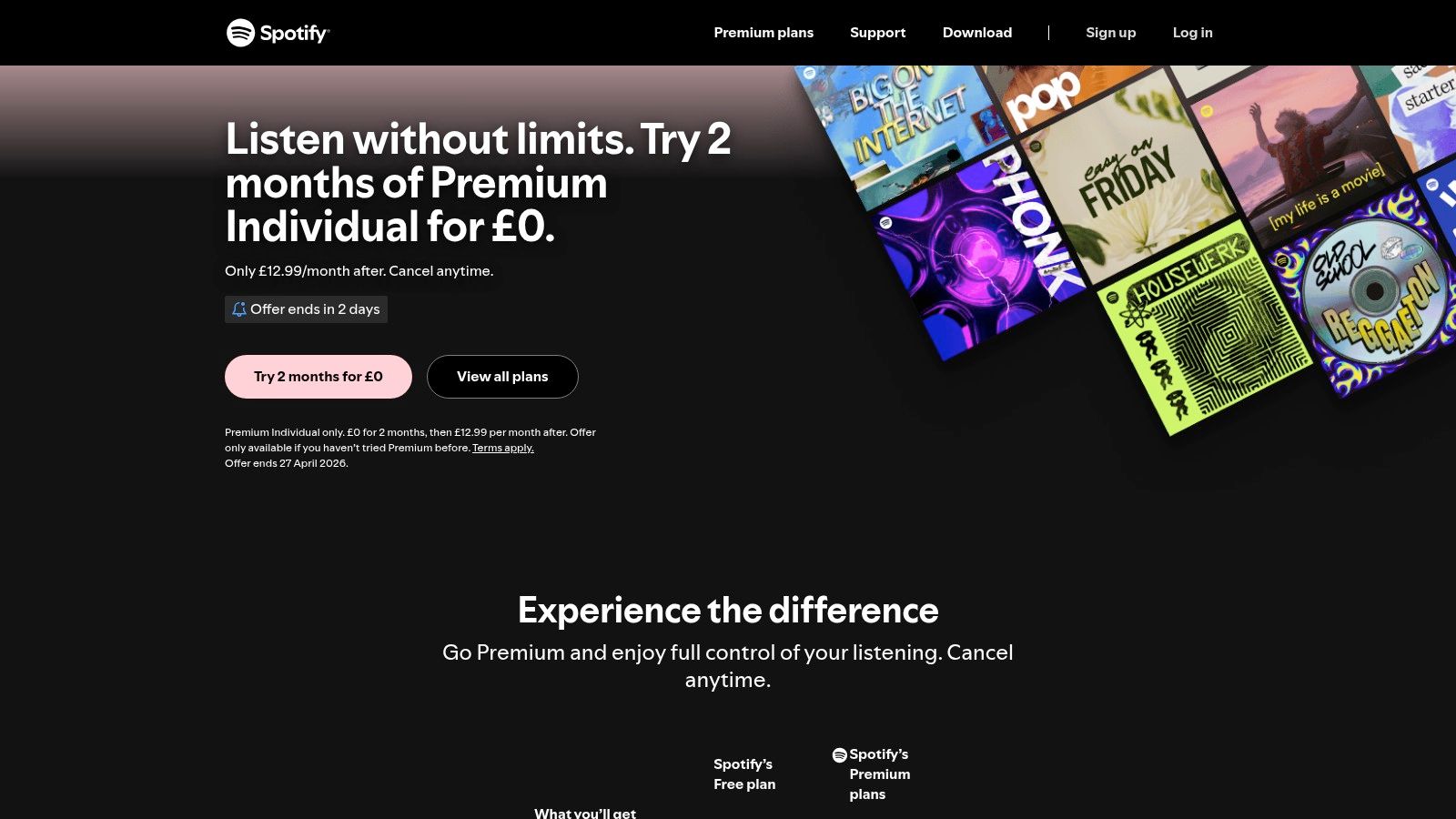
Spotify Premium is still the default recommendation when someone wants one app that covers everyday listening, group planning, and quick-fire party prep. For events, its biggest strength isn’t sound quality. It’s familiarity. Clients already use it, guests can share links without friction, and collaborative playlists remove a lot of back-and-forth.
That network effect matters more than people admit. If a couple sends over a long wedding playlist, there’s a good chance it’s on Spotify. If a client wants pre-event playlist input from friends, Spotify is usually the easiest place to gather it without training anyone on a new platform.
Personal event music inspiration

Where Spotify earns its place
Spotify was the most downloaded music and audio app on Google Play in June 2023, with over 15 million downloads, as noted in the previously cited market data. That doesn’t automatically make it the best, but it does explain why user expectations often revolve around Spotify-style search, queueing, offline listening, and social sharing.
For real-world use, these are the features that hold up:
- Shared planning is easy: Collaborative playlists and Blend work well when multiple people need input.
- Discovery is quick: Discover Weekly, Release Radar, autoplay and editorial playlists make it strong for finding warm-up tracks, cocktail-hour material, and safe crowd-pleasers.
- Device support is broad: It fits neatly into cars, speakers, watches, and TVs, which helps when you’re testing playlists across settings.
Spotify is the app I trust when the brief is still forming and I need options fast.
The weak spot is clear. If you care about hi-res or lossless playback, Spotify still isn’t the audiophile choice. For event prep that’s rarely a deal-breaker, but for critical listening at home, it can feel limited next to Apple Music, TIDAL, or Qobuz.
2. Apple Music
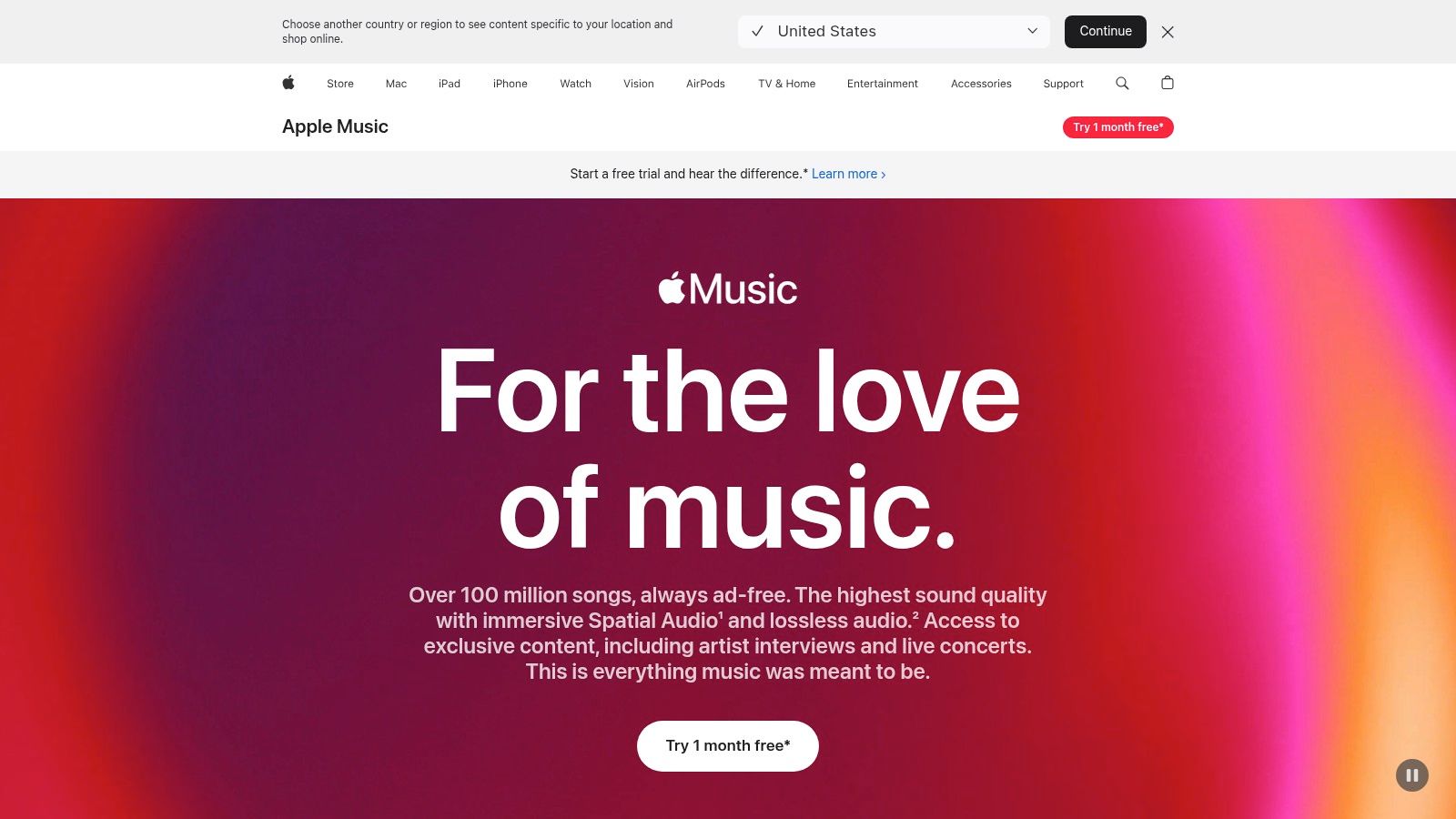
Apple Music for the UK surprises a lot of Android users. It isn’t a stripped-down afterthought. It’s a serious option, especially if sound quality sits high on your list and you still want a polished mainstream catalogue.
For DJs and listeners who notice the difference between compressed streaming and cleaner playback, Apple Music on Android has a strong advantage. The verified research notes that Apple Music on Android offers Lossless and Spatial Audio at no extra cost. That makes it one of the easiest ways to step into higher-fidelity listening without hunting for a specialist service first.
Best fit for careful listening
Apple Music feels less social than Spotify, but it often feels more curated. Its editorial approach is useful when you want well-assembled genre sets, mood playlists, and radio-style programming rather than a purely algorithm-led feed.
That can be valuable in event prep. If you’re shaping a dinner playlist, a luxury brand activation set, or a wedding drinks reception with smoother pacing, Apple’s curation often feels deliberate rather than hyperactive.
A few practical trade-offs matter:
- Audio quality is a genuine strength: Lossless and Spatial Audio are built in, not treated as premium extras.
- Classical listeners get more context: Apple Music Classical broadens its value if you need ceremony music research or formal ambience ideas.
- The free-tier question is simple: There isn’t one, so casual users may hesitate.
Practical rule: Choose Apple Music if your ears care more about fidelity than social features.
The downside is workflow flexibility. Library management and sharing can feel less fluid than Spotify when several people are contributing ideas. For solo prep, it’s excellent. For crowd-sourced planning, it’s not always the easiest room to work in.
3. YouTube Music
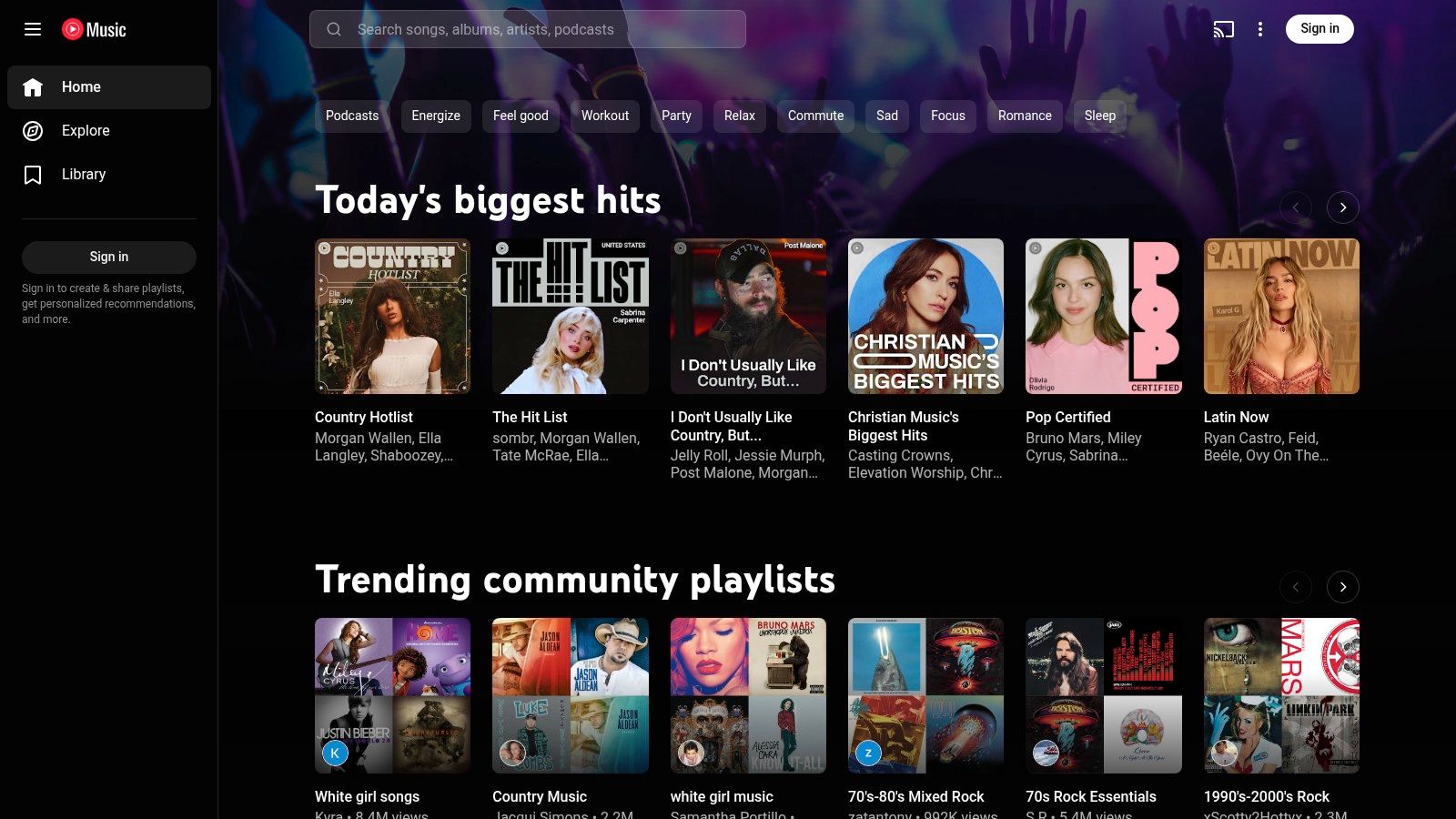
YouTube Music earns its spot for one reason above all others. It finds versions of songs that other platforms often don’t have. For event work, that’s massive.
When someone asks for a specific live performance, a wedding-first-dance acoustic version, a niche remix, or a hard-to-find extended edit, YouTube Music often turns up something usable. It pulls in official catalogue material, but it also benefits from the broader YouTube ecosystem of live uploads, alternate versions, and fan-preserved obscurities.
Strong for requests and oddball finds
This isn’t always the app with the cleanest music-first experience. Spotify and Apple Music usually feel tidier for library building. But if you need depth rather than elegance, YouTube Music becomes difficult to ignore.
It’s especially useful for:
- Rare edits and unofficial versions: Great for testing whether a request exists before you commit to buying or sourcing it elsewhere.
- Live recordings: Helpful when a client is emotionally attached to a specific performance.
- Cross-media discovery: Recommendations can reflect broader YouTube habits, which sometimes surfaces tracks you wouldn’t get from audio-only platforms.
There’s a catch. The app can feel caught between streaming service and video platform. Music library tools aren’t always as refined as the best dedicated competitors, and the subscription structure can confuse people who aren’t sure whether they need YouTube Music Premium or the broader YouTube Premium bundle.
Still, for deep crate-digging on Android, it stays in the toolkit. Not as the only app. As the one you open when the obvious apps come up short.
4. Amazon Music Unlimited
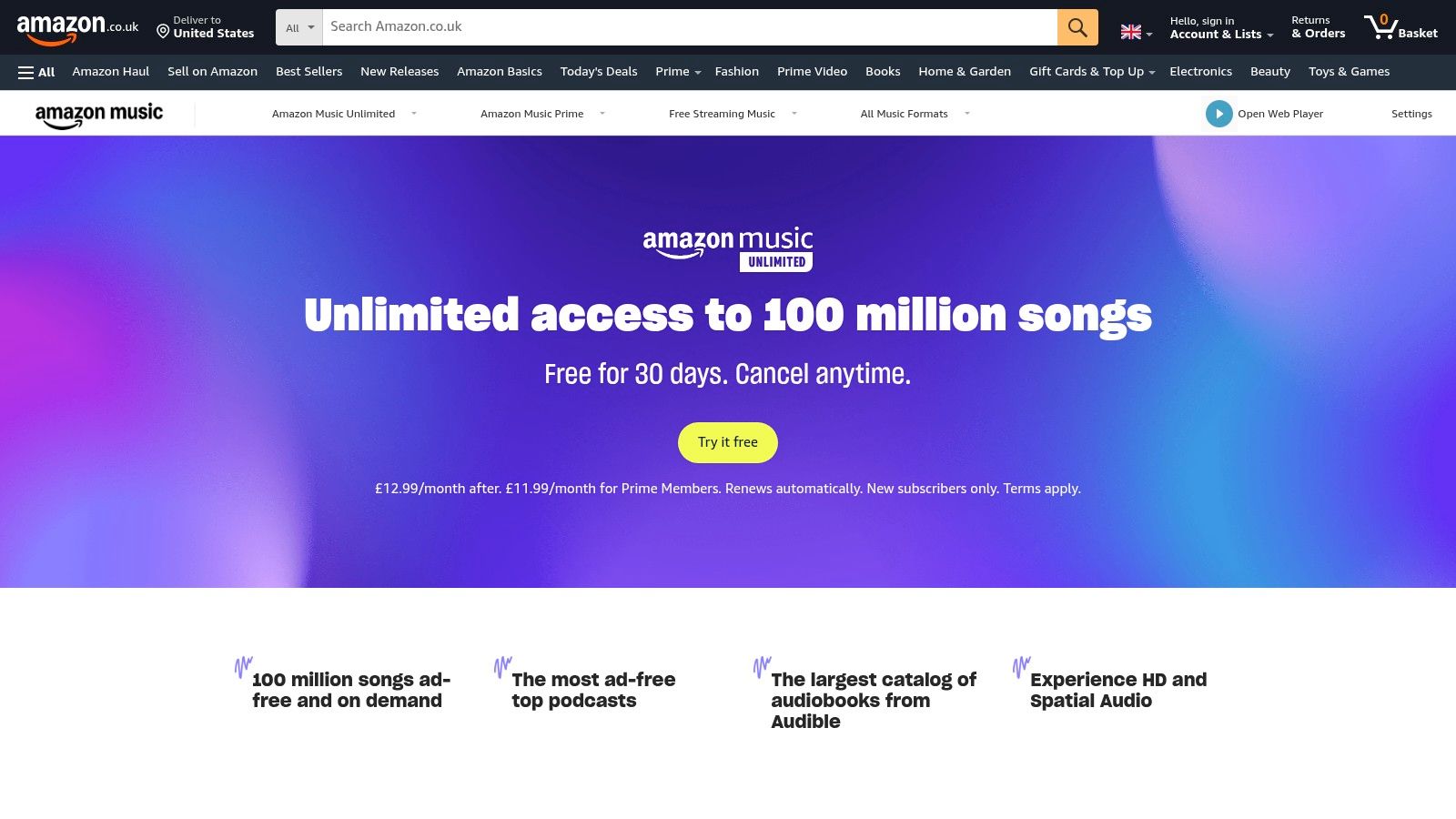
If your home already runs on Echo speakers and Fire TV, Amazon Music Unlimited makes immediate sense. It’s one of those services that gets better the more integrated you are into the ecosystem.
For Android users, the attraction is simple. You get a large on-demand catalogue, HD and Ultra HD options, Spatial Audio, and smooth handoff to Amazon devices. That makes it useful for checking playlists in different rooms, testing background music at home, and using voice control for casual browsing.
Better than its reputation suggests
Amazon’s app doesn’t always get the same cultural cachet as Spotify or Apple Music, but that can hide its strengths. Prime member discounts and plan variety make it practical for households that already pay for Amazon services, and the audio options are strong for the money.
Where it works well:
- Home testing: Easy if you already use Echo devices around the house.
- Value for existing Amazon users: The service feels more compelling when paired with Prime benefits.
- Audio-first listeners: HD, Ultra HD, and Spatial Audio give it more substance than many people expect.
The weak point is the app experience. Playlist handling and navigation have felt inconsistent over time, and the Prime-included experience isn’t the same as full on-demand Unlimited. That matters because some users sign up expecting Spotify-style freedom and then realise they’re in a more shuffle-led setup unless they pay for the proper tier.
For event professionals, Amazon Music Unlimited is less of a cultural hub and more of a practical utility. If Amazon already sits in your daily routine, it’s stronger than many rankings give it credit for.
5. Deezer
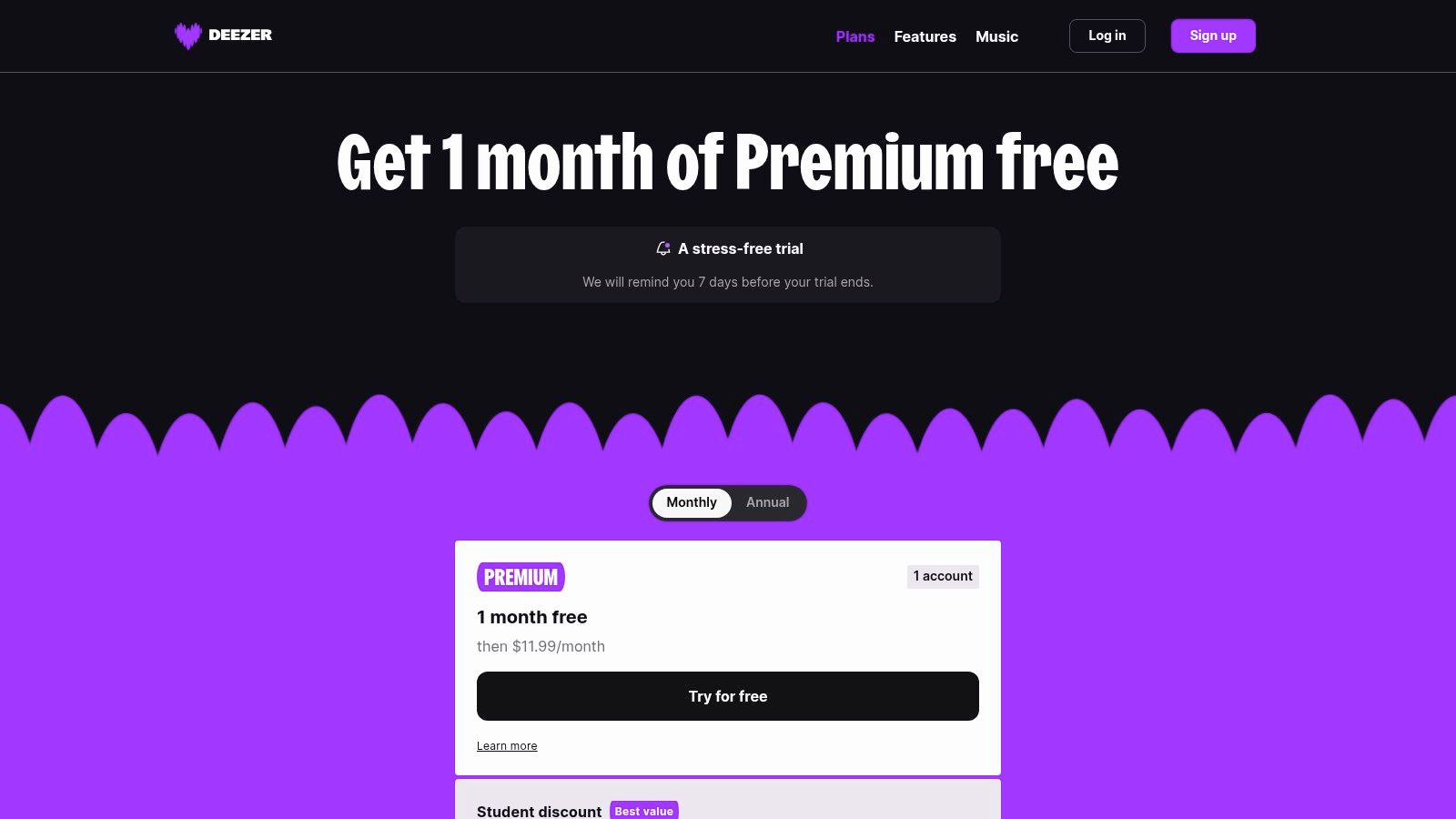
Deezer is one of those apps that experienced music users often rate higher than its public profile would suggest. It doesn’t dominate the conversation, but it does several things very well.
The standout is Flow. It’s one of the better “put something on and keep it moving” features on any streaming service. For drinks receptions, office listening, prep sessions, or low-friction background curation, Flow often feels less chaotic than pure algorithmic radio and less repetitive than some playlist loops.
A good middle ground app
Deezer suits people who want discovery without drama. It doesn’t feel as socially dominant as Spotify or as hi-fi focused as TIDAL and Qobuz, but it lands in a practical middle ground that many Android users will like.
Useful details for everyday and event-related listening:
- Flow is simple and effective: Good when you want mood continuity without manually rebuilding queues.
- SongCatcher helps in the field: Handy when you hear a track in a venue, shop, or bar and want to identify it quickly.
- Lossless support adds value: It gives more listening headroom than standard compressed streaming.
Deezer works best for people who want a quiet, capable app rather than a trend-led one.
Its limitation is momentum. Fewer people use it, so playlist sharing and social collaboration aren’t as frictionless as Spotify. If your world revolves around shared links and familiar interfaces, Deezer can feel slightly out of step. If your priority is listening well and finding music without fuss, it’s better than many top-ten lists suggest.
6. TIDAL
TIDAL pricing and plans has a clear identity. It’s built for listeners who care about sound, credits, mixes, and a more music-first environment. On Android, that identity holds up.
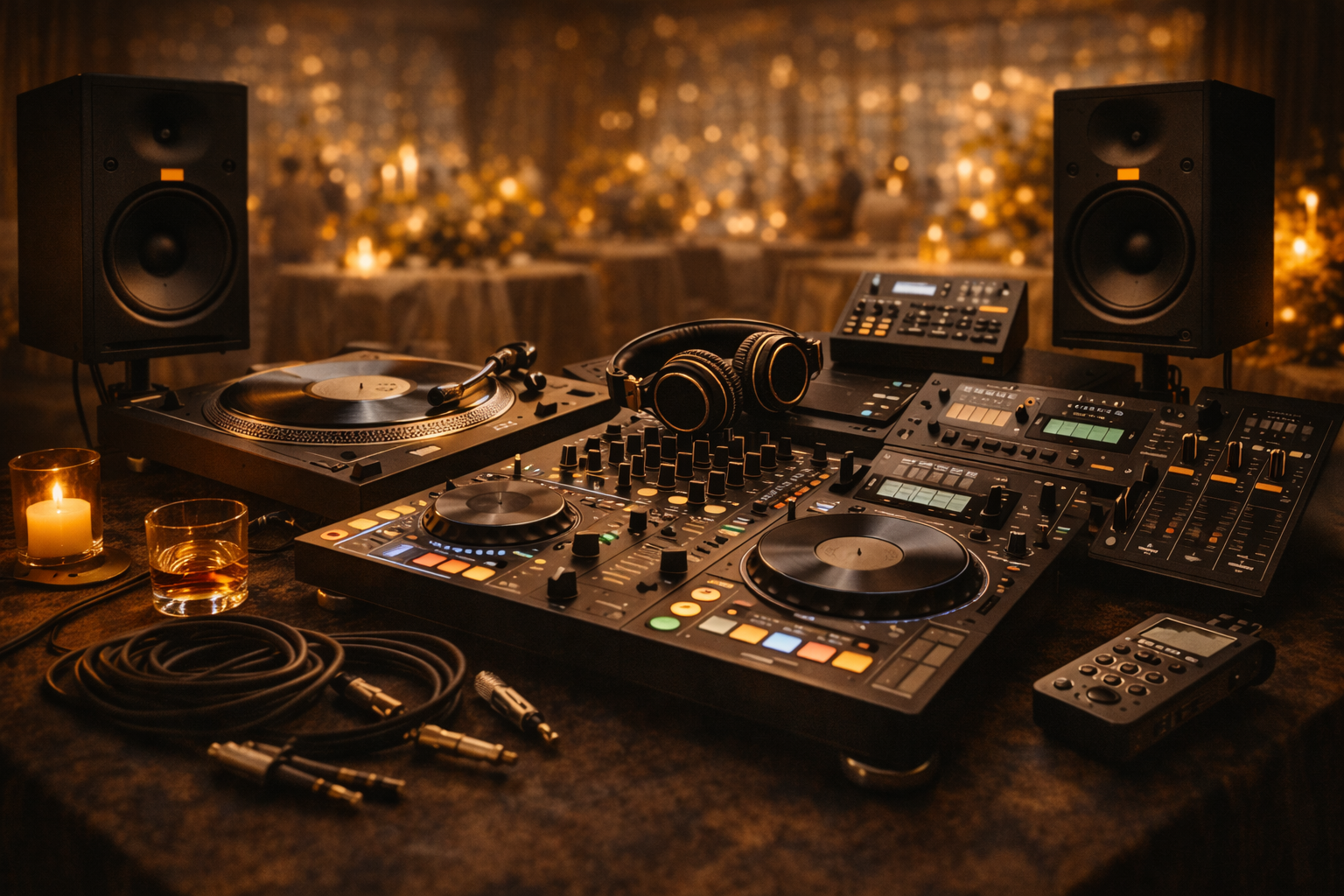
For DJs, one feature gives TIDAL extra weight. Its optional DJ Extension makes it relevant not just as a streaming app, but as part of a prep workflow in compatible DJ software. That doesn’t replace owning music or building proper backups, but it does make TIDAL more useful than a lot of pure-consumer platforms when you’re testing ideas and shaping sets.
DJ booth atmosphere and workflow
Where TIDAL stands out
TIDAL is one of the strongest answers to a gap that many generic roundups miss. A lot of “best app” lists barely deal with hi-res listening on Android, yet verified research highlights that audiophile users care about technical factors such as codec support, bitrate capability, and equaliser precision. TIDAL belongs in that conversation because it leans directly into Lossless, HiRes FLAC, and Dolby Atmos rather than treating sound quality as a side note.
That matters when you’re doing close listening before an event. You want to hear transitions, vocal texture, low-end balance, and whether a remaster feels usable or harsh.
A few honest trade-offs:
- Sound quality is excellent: That’s the core reason to use it.
- Credits and editorial content help: Good for tracing versions, contributors, and context.
- The DJ add-on costs extra: Useful, but not automatically part of the base value.
TIDAL isn’t the place I’d send a casual user who wants easy social playlisting. It’s for listeners and DJs who want a more focused, more sonically serious tool.
7. Qobuz
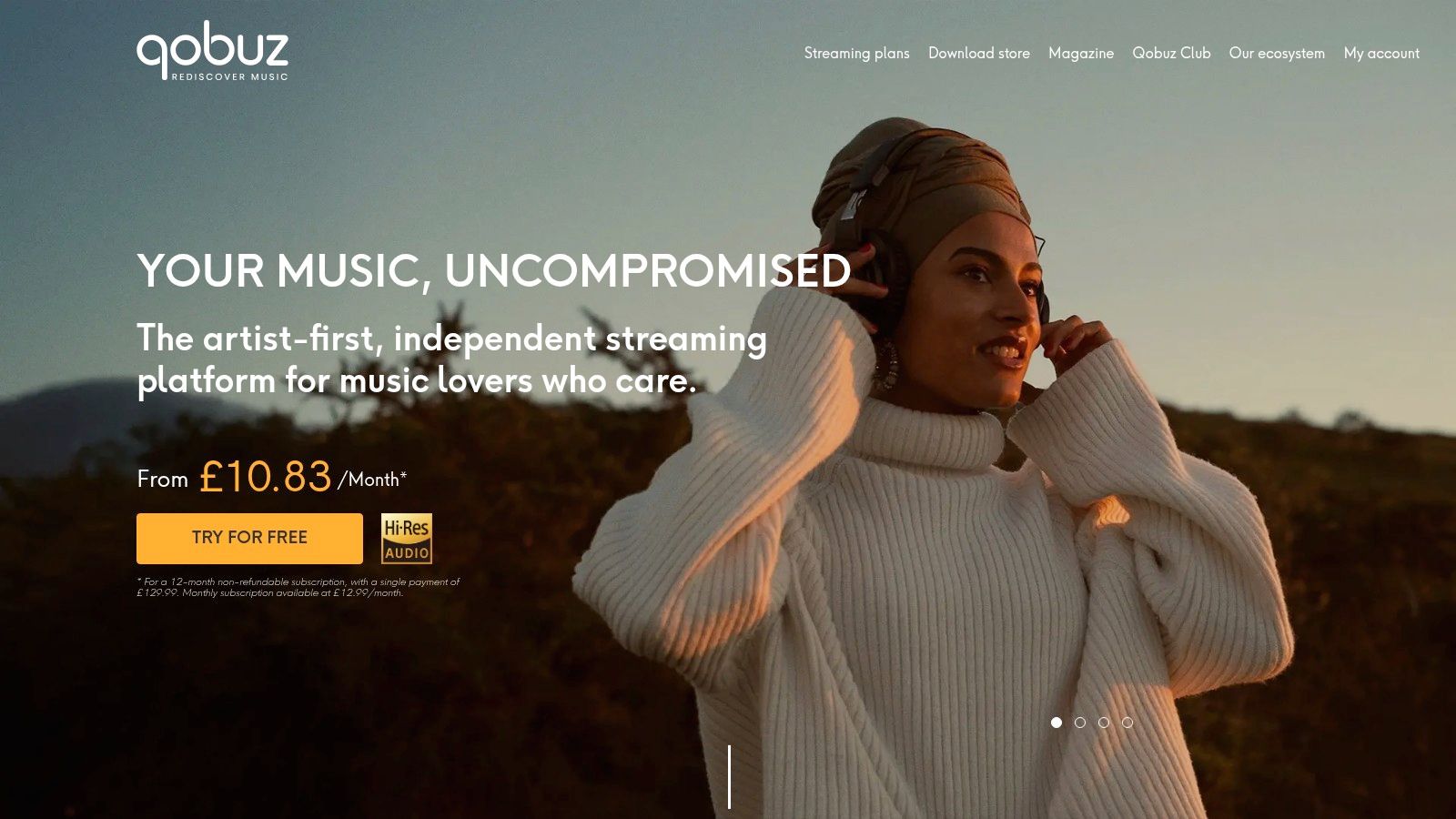
Qobuz UK is the app for people who still care about albums as complete works. It doesn’t chase social features, and it doesn’t try to feel like the loudest mainstream platform. That’s precisely why some listeners love it.
On Android, Qobuz is best treated as a specialist tool. Its hi-res streaming, integrated download store, reviews, and digital booklets make it excellent for listeners who want context with the music. If you grew up reading liner notes, checking personnel, and caring which master you were hearing, Qobuz still respects that habit.
VinylGold branding and curation ethos

For purists and collectors
Qobuz feels closer to record collecting than playlist culture. That makes it useful for research, especially when you’re digging into older soul, funk, jazz, or house records and want more than an endless feed of recommendations.
Its strengths are clear:
- Hi-res playback is front and centre: Not hidden behind vague marketing.
- Album information is rich: Reviews, booklets, and editorial notes help with deeper discovery.
- You can buy downloads: Useful if you prefer ownership alongside streaming access.
The trade-off is equally clear. Qobuz isn’t trying to be a social event-planning hub. It’s not where most clients build shared playlists, and its mainstream visibility is lower than Spotify, Apple Music, or YouTube Music.
If Spotify is the crowd app, Qobuz is the collector’s shelf.
For Android users who want one of the best music apps for Android phones specifically for high-fidelity listening and album-led exploration, Qobuz deserves far more attention than it usually gets.
8. SoundCloud
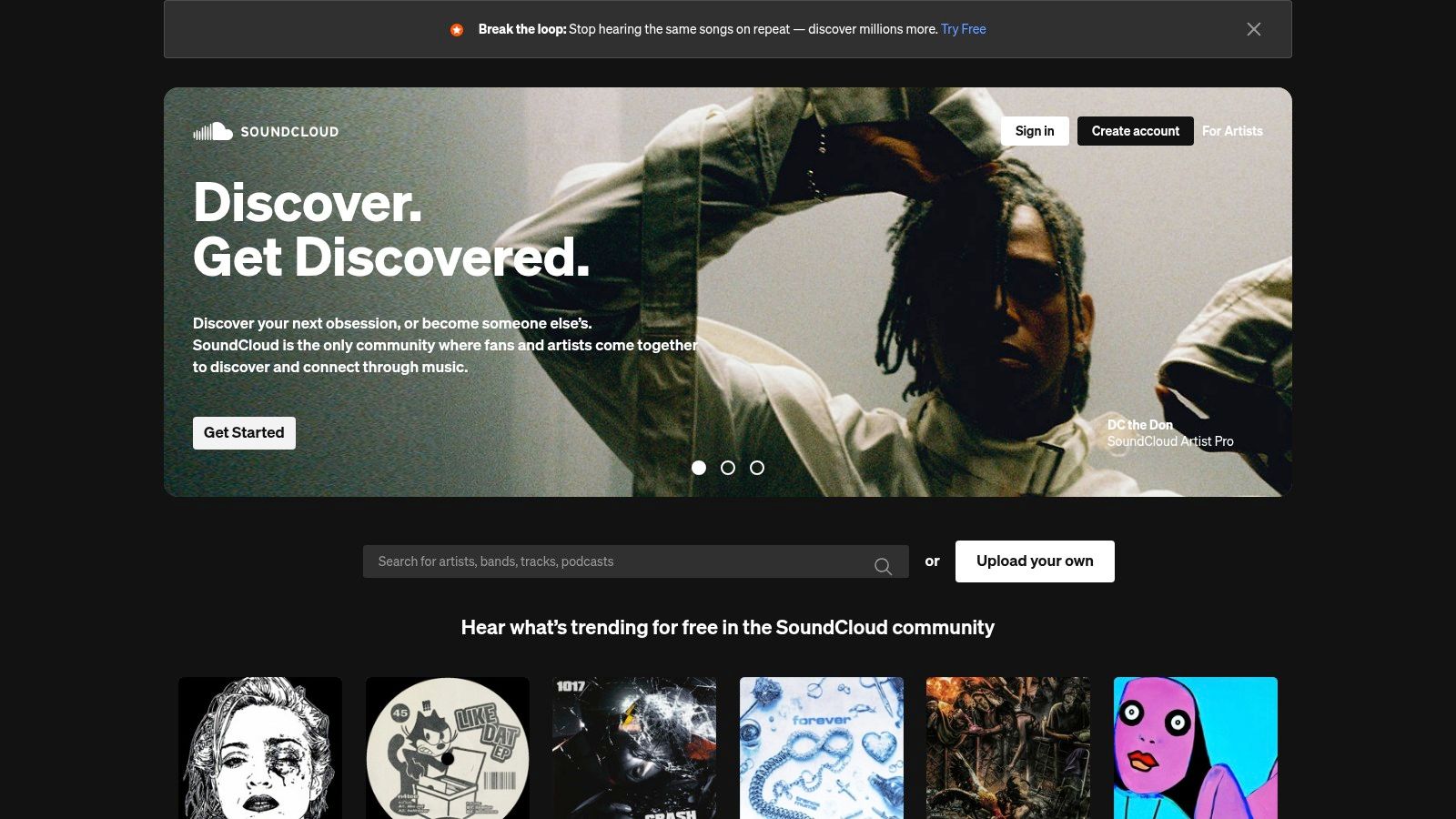
SoundCloud is where you go when the mainstream catalogue feels too neat. It remains one of the best places to find DJ sets, edits, remixes, bootlegs, and emerging artists who haven’t fully landed on the major platforms.
That makes it valuable for working DJs and curious listeners alike. If you play disco, funk, soul, old-school house, or anything with a strong edit culture, SoundCloud often surfaces tracks that streaming giants don’t carry. It’s not always polished, but it often feels alive.
Best for underground discovery
Verified research points to a real content gap in typical best-app lists. Most roundups mention SoundCloud as good for indie or underground material, but they rarely go deeper into genre-specific discovery, niche catalogues, or the curation needs of DJs working outside the broad pop lane. That gap matters.
For practical use, SoundCloud is strong when you need:
- DJ sets and long-form mixes: Useful for scene research and transition ideas.
- Creator uploads: Remixes and edits often appear here first.
- Community-led discovery: You can follow artists and channels closer to the source.
Its weaknesses are part of the same system. Metadata can be messy, search results vary in quality, and tracks can disappear due to takedowns or rights issues. That makes SoundCloud a discovery and inspiration tool, not the only foundation of a dependable event library.
Still, for underground music culture on Android, nothing else in this list does the same job in quite the same way.
9. BBC Sounds
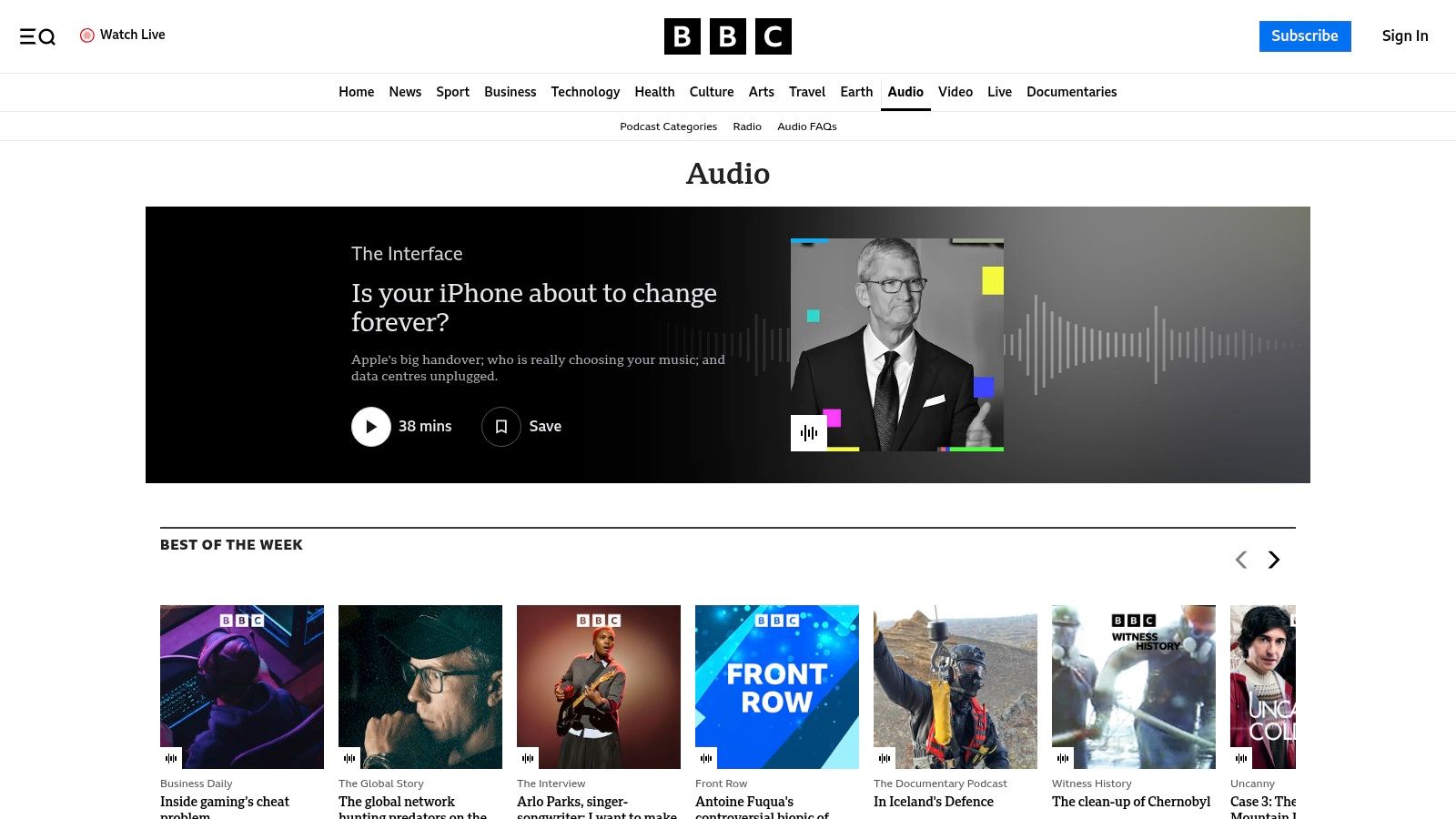
For UK listeners, BBC Sounds is a brilliant free app to keep alongside at least one mainstream streaming service. It doesn’t replace Spotify or Apple Music because it isn’t built for full on-demand track streaming. What it does offer is curation, context, and specialist programming.
That matters more than many people think. If you want to stay close to genre shows, presenter-led discovery, themed mixes, and the sort of programming that algorithms often flatten out, BBC Sounds is still a strong tool.
Why it matters in the UK
BBC Sounds is particularly useful for anyone researching mood, era, or specialist scenes. Stations and programmes across the BBC ecosystem can lead you towards artists, records, and styles that don’t always rise to the top on purely commercial platforms.
For event work, it helps with inspiration in a different way:
- Genre-led browsing is strong: Good for discovering presenters and shows with a clear point of view.
- Many shows can be downloaded: Useful for offline listening and research.
- Android Auto support helps commuters: Handy when you’re listening through mixes and radio programmes on the move.
If your taste formation still values expert selectors, BBC Sounds deserves space on your phone. It’s also a reminder that not every good music app has to behave like a jukebox. Some of the best ideas still come from listening to great radio and specialist programming. If that side of audio interests you, this guide on how to start an internet radio station is also worth a read.
The limitation is obvious. You won’t use BBC Sounds to build a precise wedding request queue track by track. You’ll use it to sharpen your taste and widen your references.
10. Musicolet
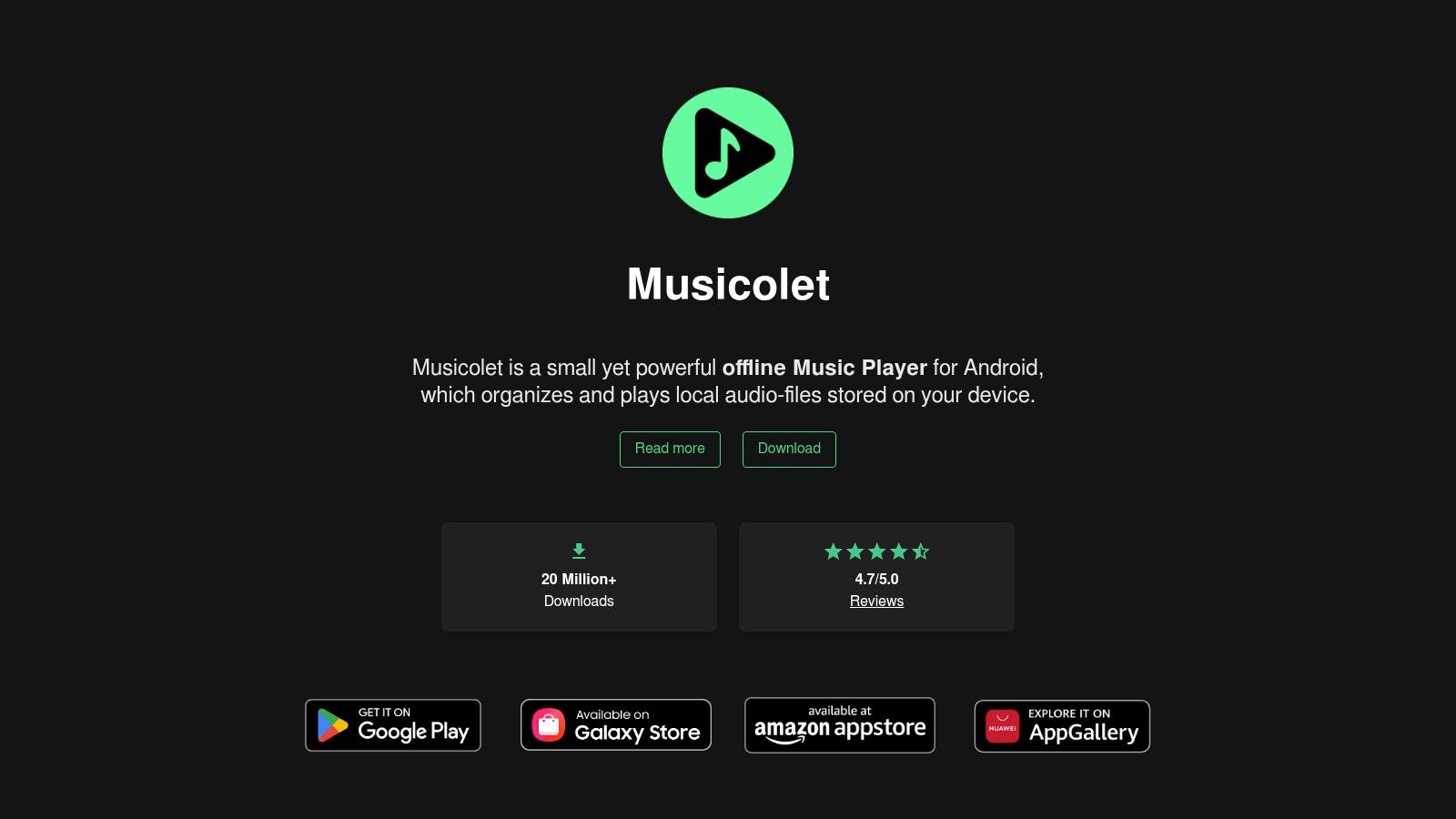
Musicolet is the least flashy app here and one of the most useful. It doesn’t stream. It doesn’t chase trends. It plays the files you already own, and it does that job very well.
For professional prep, that matters. Streaming is great for discovery, but event reliability still depends on having critical tracks stored locally. If you’ve made clean edits, bought files, ripped personal archive material, or assembled backup folders for a gig, Musicolet is exactly the kind of app you want on an Android phone.
The app that keeps working
The biggest advantage is trust. Musicolet works completely offline and doesn’t require internet permission. While Android led global mobile app installations with a 71.05% share in 2025, music app retention reached only 3.5% in 2024 and iOS apps retained users better than Google Play apps, according to Mordor Intelligence’s music app market analysis, that reliability gap matters. High install volume doesn’t guarantee deep long-term use. Apps that solve a clear problem tend to stick.
Musicolet solves one problem better than most. It plays local music cleanly and predictably.
What makes it so useful:
- Multiple queues: Great when you’re comparing edits or organising prep folders.
- Tag and folder control: Important if your library is built manually, not through streaming metadata.
- Privacy and stability: No cloud dependency, no streaming interruptions, no clutter.
The interface is functional rather than glamorous. That won’t bother anyone who values organisation over cosmetics. For gig backups, rehearsal playlists, and owned music libraries, Musicolet is one of the smartest installs you can make.
Top 10 Android Music Apps Comparison
| Service | Core features | DJ/Event fit (★) | Value/Price (💰) | Target audience (👥) | Unique selling points (✨/🏆) |
|---|---|---|---|---|---|
| Spotify | Massive catalogue, playlists, strong discovery, wide device support | ★★★★☆, reliable party playlists & collaborative queues | 💰 Free tier; Premium paid, ubiquitous value | 👥 Casual listeners, party hosts, social DJs | ✨ Collaborative playlists & Blend; 🏆 network ubiquity |
| Apple Music (Android) | 100M+ tracks, Lossless & Spatial Audio, strong editorial | ★★★★☆, hi‑res spatial mixes useful for premium events | 💰 No free tier; Lossless included at base price | 👥 Audiophiles, premium wedding/corporate clients | ✨ Spatial Audio + curated radio; 🏆 human curation |
| YouTube Music | Official + remixes, live versions, user uploads, recommendations | ★★★★☆, excellent for rare edits & on‑the‑fly requests | 💰 Free with ads; Premium for background/offline | 👥 DJs seeking rare edits, collectors, live‑set lovers | ✨ Depth for rare/live tracks; seamless YouTube tie‑in |
| Amazon Music Unlimited | HD/Ultra HD, Spatial, Echo/Fire integration, Prime discounts | ★★★☆☆, good sound formats; ecosystem dependent | 💰 💰 Prime discounts; multiple plans (Family, Single‑Device) | 👥 Prime users, Amazon device owners, value seekers | ✨ Ultra HD included for Prime users; Echo integration |
| Deezer | Flow personalised mixes, HiFi option, SongCatcher, partnerships | ★★★★☆, smooth discovery & usable Hi‑Fi option | 💰 Paid tiers with HiFi; regional offers vary | 👥 Discovery fans, device partners, value‑minded listeners | ✨ Flow discovery & SongCatcher; good device compatibility |
| TIDAL | Lossless & Hi‑Res FLAC, Dolby Atmos, editorial credits, DJ add‑on | ★★★★★, top-tier sound for high‑quality events & prep | 💰 Paid tiers; DJ Extension extra cost | 👥 Audiophiles, professional DJs, artist‑centric listeners | ✨ Hi‑Res & DJ Extension; 🏆 superior out‑of‑the‑box sound |
| Qobuz | Hi‑res streaming/download store, rich album booklets/editorial | ★★★★★, best for purist sound and album‑level prep | 💰 No free tier; premium hi‑res plans and downloads | 👥 Purists, collectors, DJ archivists wanting masters | ✨ Verified hi‑res masters & rich liner notes; 🏆 editorial depth |
| SoundCloud | User uploads, DJ sets, remixes, creator tools | ★★★★☆, unmatched for underground edits & new talent | 💰 Free; Go/Go+ for offline/ad‑free | 👥 Emerging DJs, producers, underground music hunters | ✨ Unique creator uploads & DJ sets; discovery hotspot |
| BBC Sounds | Live radio, specialist mixes, podcasts, UK curation | ★★★☆☆, great for mood mixes and UK‑centric sets | 💰 Free and ad‑free for UK listeners | 👥 UK listeners, radio lovers, specialist music fans | ✨ Curated specialist shows (6 Music); strong UK curation |
| Musicolet | Offline local player, multiple queues, robust tag editor | ★★★★☆, ideal for local libraries, rehearsal edits & stability | 💰 Free, ad‑free, privacy‑friendly (no internet perms) | 👥 DJs with local collections, collectors, privacy‑minded users | ✨ Multiple queues, offline/.LRC support; 🏆 rock‑solid local playback |
Your Perfect Soundtrack Awaits
The right app depends on what role your phone plays in your music life. If you want one platform that everyone recognises and can contribute to, Spotify is still hard to beat. If you want better fidelity on Android without moving into a niche service, Apple Music makes a strong case. If you chase rare versions and event requests, YouTube Music earns its keep quickly.
Then there are the specialist picks. TIDAL and Qobuz suit careful listeners who want more from the audio itself. SoundCloud remains valuable for underground discovery and edits that never make it to the larger platforms. BBC Sounds is excellent for UK curation and presenter-led inspiration. Musicolet is the practical backup that keeps working when streaming isn’t enough.
That mix matters because event work isn’t one task. You might use Spotify to gather client requests, SoundCloud to explore underground remixes, Qobuz to study an album properly, and Musicolet to hold local copies of essential tracks. The best music apps for Android phones aren’t competing for one single crown. They solve different parts of the job.
There’s also a wider shift happening in how people find and use music. Verified market research notes that smart speakers and connected devices are growing at a 17.25% CAGR, which points to a listening world that now stretches beyond the phone into voice control, cars, and ambient home playback. For anyone planning events or curating music seriously, that means your app choice affects more than headphones. It shapes how you test playlists, preview energy, and understand where listeners are discovering songs.
No app can replace judgement. It can only support it. The essential skill is knowing when a slick recommendation engine is enough, when you need human curation, when local files are the safer option, and when a specialist platform will uncover something the mainstream apps missed.
That’s how we approach music at VinylGold. The app is never the final answer. The atmosphere is. A wedding dinner needs different pacing from a birthday dance floor. A corporate reception needs different restraint from a late-night party set. Good tools help you get there faster, but selection still wins.
If you’re refining your setup, start with your actual use case. Shared playlists. Better sound. Underground discovery. Offline dependability. Build around that, not around hype. And if you’re also sorting the rest of your listening kit, these picks for the best earbuds for calls and music are a useful companion read.
If you want a soundtrack that feels personalized rather than templated, VinylGold brings the same care to live events that this guide brings to music apps. From weddings and private parties to corporate functions across London, South East London and Kent, VinylGold builds sets around your crowd, your taste, and the exact feel you want in the room.